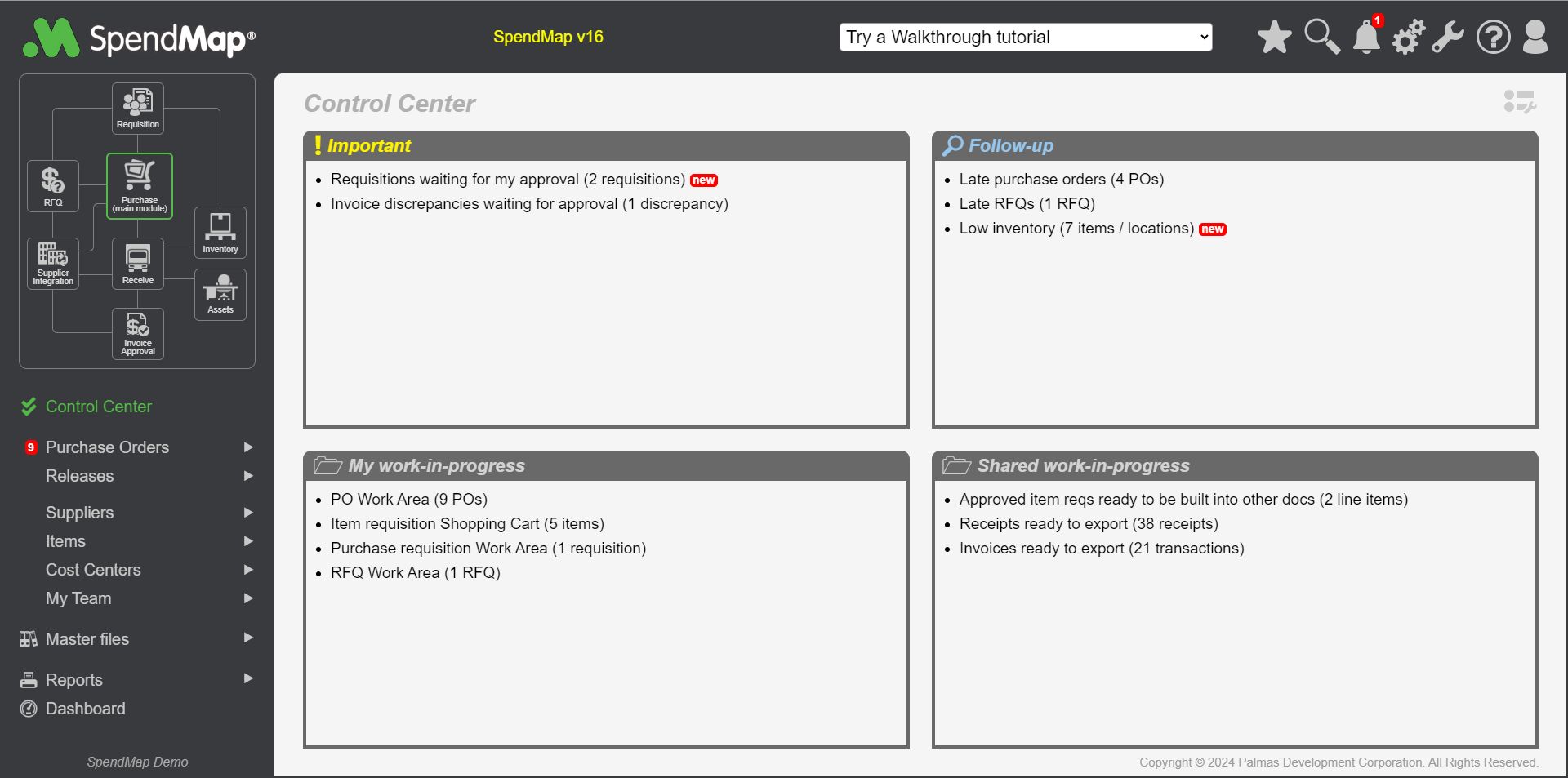
(Accessed using link in left navigation pane of Main Menu)
The Control Center brings together all your work throughout SpendMap. This is essentially your “to-do” list for the entire system, in one place.
You will see “Action Items” here when you have work to do, such as incomplete/draft documents in your Work Areas, documents/transactions that need your approval, late documents you may want to follow-up, and so on.
Click the hyperlinks to go to the applicable area of the system to complete your work or review the related information. Once the Action Item has been addressed and the task is complete, the Action Item will be removed from the list automatically.
The action items that appear in your Control Center are determined by your menu access; you will not see an action item here unless you have access to the related menu option.
You can also use the Setup icon  at the top-right of the page to add or remove Action Items from your Control Center.